At a Glance: Grammarly wins for real-time, everywhere-you-type corrections. ProWritingAid wins for deep, report-based editing of long manuscripts, essays, and fiction. Most of what follows is about where that rule breaks.
If you write inside a browser and want mistakes caught the moment you make them, Grammarly is the stronger fit. If you’re revising a manuscript, thesis, or long-form draft and want to understand why a paragraph isn’t working, ProWritingAid usually teaches you more. That one line answers most of the ProWritingAid vs Grammarly question on the spot but it breaks down often enough that it’s worth fifteen minutes to get right, especially once you look past the marketing pages and into what each free plan, price tag, and 2026 AI update actually gives you.
Both tools have been around for over a decade, both added serious generative-AI layers in the last two years, and both now cost roughly the same at the entry-level tier. That similarity is exactly why the comparison confuses people. Once you separate what each tool is actually built to do, the choice gets a lot easier.

The Core Split: Real-Time Correction vs Editorial Depth
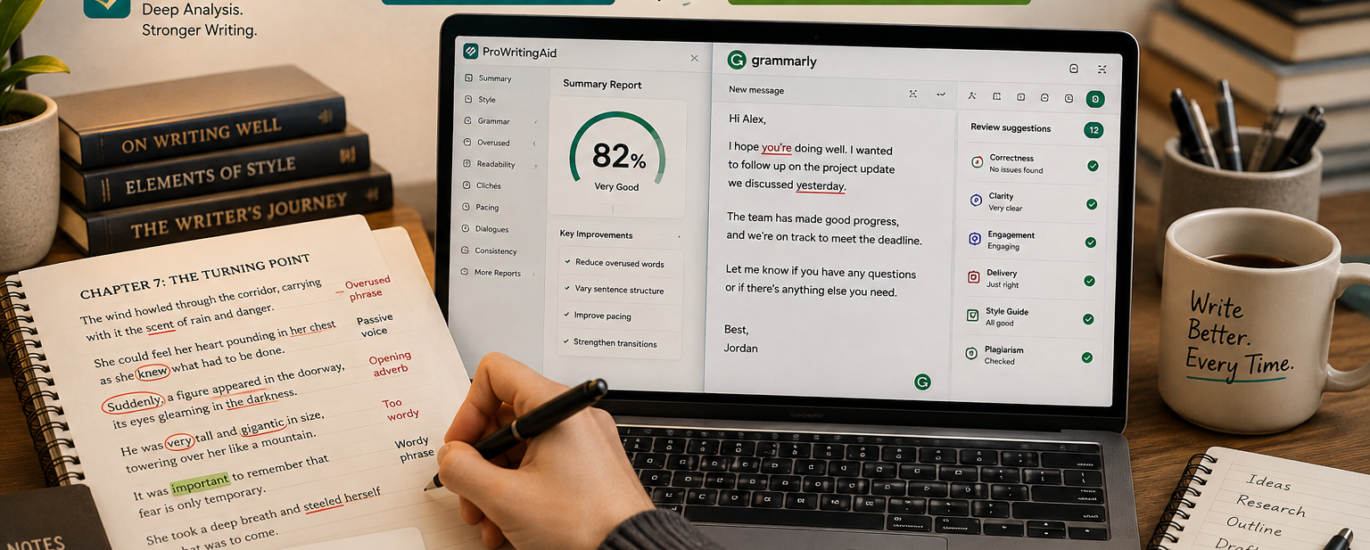
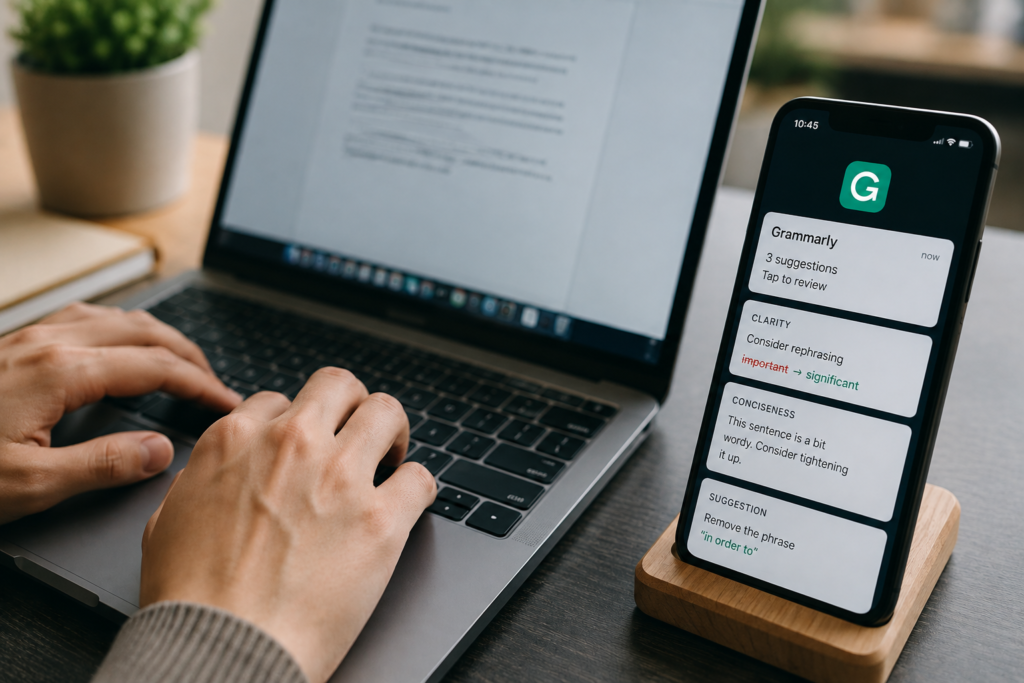
Grammarly is built around speed. Its browser extension runs inside Gmail, Google Docs, LinkedIn, Slack, and most places you type on the web, flagging errors and suggestions as you go. ProWritingAid is built around depth. You run a document through it and get back a stack of specialized reports on pacing, overused words, sentence variety, and more — meant for a revision pass, not a live typing session.
The review data reflects that split. Grammarly holds a 4.7-star rating across nearly 13,000 reviews on G2, driven largely by daily users who value how little friction it adds. ProWritingAid’s own comparison materials put its browser extension slightly ahead of Grammarly’s on the Chrome Web Store 4.8 stars against 4.5 among a smaller, more editing-focused user base.
What the Free Plans Actually Let You Do
This is where the two tools diverge immediately, and it matters more than most comparisons admit. Grammarly’s free plan has no word ceiling. ProWritingAid’s does.
| Feature | Grammarly Free | ProWritingAid Free |
|---|---|---|
| Word limit | Unlimited | 500 words per check |
| AI generation | 100 AI prompts a month | 3 AI Sparks/day, 10 rephrases/day |
| Reports & analysis | Basic grammar, spelling, tone detection | Limited access (full 20+ reports locked) |
| Platforms | Browser extension, desktop app, mobile keyboard | Browser extension, desktop editor (no mobile app) |
| Data use | Uses your writing to help train its AI, opt-out available but not prominent | Does not use your writing to train its models |
In practice, that 500-word ceiling is fine for a cover letter or a single scene, but it can’t check a full chapter or a 2,000-word article in one pass you’d need to split the document up. Grammarly’s free tier has no such wall, though the 100 AI prompts a month cap is easy to burn through if you lean on rewrites and reply drafts daily.
Pricing Compared: Monthly, Annual and Lifetime
Both companies use the same pattern: an expensive month-to-month rate, a much cheaper annual rate, and steep annual-billing discounts designed to push you toward a yearly commitment. ProWritingAid adds one option Grammarly doesn’t offer at all: a one-time lifetime license.
| Plan | Grammarly | ProWritingAid |
|---|---|---|
| Free | $0 | $0 |
| Monthly | $30/mo (Pro) | $36/mo (Premium Pro) |
| Annual (billed yearly) | $12/mo ≈ $144/yr | $10–12/mo ≈ $120–144/yr |
| Lifetime | Not offered | ≈$399 (Premium) / ≈$699 (Premium Pro), one-time |
| Team / business | ≈$33/member/mo (Superhuman Business) | Not applicable single-user tool |
The lifetime license is ProWritingAid’s clearest advantage for anyone who already knows they’ll be writing seriously for years. At roughly $399 for Premium, it pays for itself against the $120/year annual plan by year three and a half, and everything after that is free. Grammarly has no equivalent; you keep paying every year indefinitely. Worth noting: in 2025, Grammarly’s parent company rebranded to Superhuman after acquiring the email client Superhuman and the document tool Coda, and now bundles both into paid Grammarly plans at no extra cost a real perk if you were already using either.

Testing the Actual Editing Feel
Running the same 2,400-word blog draft through both tools makes the difference concrete. Grammarly’s sidebar returned suggestions almost instantly, labeled the draft’s tone as “confident and formal,” and nudged several sentences toward shorter, more direct phrasing turning “I’ve found this happens constantly” into “This happens constantly.” Cleaner, technically, but it quietly flattened the personal voice out of a few lines.
ProWritingAid took closer to a minute to generate its full report set on the same draft. But its Overused Words and Sentence Length reports caught something Grammarly’s single-pass check had no reason to flag: three consecutive paragraphs that all opened with “I think.” That kind of structural repetition is exactly the blind spot a real-time grammar checker has, and exactly what a report built for revision passes is designed to catch.

The 2026 AI Update: Agents vs Reports
Both companies pushed hard on generative AI through late 2025 and into 2026, but toward different ends. Grammarly’s headline addition is a set of eight specialized AI agents, including an AI Grader that scores papers against a rubric — genuinely useful for a student checking a draft before submission. ProWritingAid’s Virtual Beta Reader instead analyzes pacing, character arcs, and plot holes across an entire manuscript, aiming to approximate developmental-editor feedback, and its Marketability Analysis compares a manuscript against genre conventions and reader expectations a feature not really replicated anywhere else in this category.
Honest caveat: Neither AI layer replaces a human editor, and the Marketability report is pattern-matching against comparable titles, not a prediction of what will actually sell. Treat both as a first draft of feedback, not the final word.
A Detail Most Comparisons Skip: What Happens to Your Writing
Grammarly, by its own policy, uses customer writing to help train its AI models by default; you can opt out, but the setting isn’t front and center in the account menu. ProWritingAid states plainly that it does not use customer writing to train its models. For anyone drafting an unpublished manuscript, a client contract, or anything under an NDA, that’s a genuinely different risk profile not a minor checkbox feature, and one worth reading each company’s current privacy policy on directly before you decide.
Where Grammarly Pulls Ahead
- Coverage everywhere you type Gmail, Docs, LinkedIn, Slack, and most of the browser
- A free tier that’s realistically usable long-term, with no word ceiling
- Native mobile apps for iOS and Android; ProWritingAid has none
- Light team features — style guides, a shared brand tone, and snippets bundled straight into the Pro plan
Where ProWritingAid Pulls Ahead
- Depth for long-form and fiction work, with 20+ specialized style and structure reports
- A native Scrivener integration Grammarly has no Scrivener plugin, so novelists using it have to compile their manuscript out to Word or Google Docs first, an extra step that breaks the writing flow
- The one-time lifetime license option, cheaper over a multi-year horizon
- Suggestions tuned to over 40 individual genres, versus Grammarly’s handful of broad document types
- No use of customer writing for AI training

Can You Reasonably Run Both?
Some long-form writers do run ProWritingAid‘s reports during a dedicated revision pass, then a final Grammarly check in the browser right before publishing or sending.Writers who use several digital tools may also explore other apps and platforms for managing their reading and writing workflow. Combined, that’s roughly $22 a month at annual rates for both Premium tiers a real cost, not a rounding error. It’s worth it if you actually work in two distinct stages: deep revision, then a light real-time pass. If most of your writing is email and social captions with no separate editing stage, the overlap is money spent on a feature you’ll rarely touch twice.
Which One Fits Your Situation
| Writer type | Better fit | Why |
|---|---|---|
| Novelist / Scrivener user | ProWritingAid | Native Scrivener integration plus the Virtual Beta Reader |
| Student writing essays | Depends on the task | Grammarly’s AI Grader for rubric feedback; ProWritingAid’s academic report for passive voice and formality |
| Marketer or blogger in Docs & Gmail | Grammarly | Real-time coverage across every app you already write in |
| Thesis or full-manuscript writer | ProWritingAid | No practical word ceiling on reports, versus Grammarly’s daily word cap on longer documents |
| Freelancer handling client NDAs | ProWritingAid | Does not use submitted writing to train its AI models |

Frequently Asked Questions
Q. Is ProWritingAid or Grammarly better for beginners?
A. For most first-time users, Grammarly’s free plan is more practical because it checks unlimited words and works instantly inside Gmail and Docs. ProWritingAid’s free plan caps checks at 500 words, which suits short pieces but not full drafts.
Q. Can I use ProWritingAid and Grammarly together?
A. Yes. Many long-form writers run ProWritingAid’s reports during editing, then a Grammarly pass in the browser before sending or publishing. Running both premium plans costs roughly $22 a month combined, so weigh that against how much you’d actually use each stage.
Q. Does ProWritingAid work with Scrivener?
A. Yes, through a native Scrivener integration that lets novelists check a manuscript without exporting it. Grammarly has no Scrivener plugin, so Scrivener users need to compile to Word or Google Docs first to use it.
Q. Is Grammarly’s free plan enough for daily use?
A. For basic spelling, grammar, and short rewrites, yes. But its generative AI features are capped at 100 prompts a month, which heavy users of tone rewrites or reply drafts can burn through in just a few days.
Q. Does ProWritingAid have a lifetime plan?
A. Yes. It sells one-time lifetime licenses, roughly $399 for Premium and $699 for Premium Pro, which Grammarly does not offer. For writers who know they’ll use the tool for years, that breaks even against the annual plan by around year three or four.
The One Thing Worth Doing Before You Pay for Either
Here’s a use of the free tier most comparisons don’t mention: run only your opening paragraph, or your full query letter, through ProWritingAid’s free 500-word checker before paying for anything. Five hundred words is almost exactly the length of most manuscript openings and query letters — and openers get scrutinized harder by agents, editors, and readers than any other part of a project. That gives you a real sample of Premium-level report depth, on the section that matters most, without spending a dollar, before you decide whether the rest of the manuscript needs the paid tier at all.